Editing
Besides viewing some info in the ordered way, List allows users to edit existing data. Just click the required item of the list and change its value the way you wish.
Validation
Webix allows you to validate one record or all data set against predefined validation rules. If there's an unacceptable value, the corresponding item will be highlighted. You can also display a warning message on the screen.
Dynamic Loading and Lazy Rendering
With one setting you can enable dynamic data loading and lazy rendering of List items. Dynamic loading lets you load the data when they are needed, which significantly improves server performance. Lazy rendering also improves performance of apps, as List items are added to the page only when they are scrolled to.
Grouplist
Grouplist allows presenting a list of data items grouped by category. Data grouping is hierarchical, which means that any group item can start its own group. Moreover, you can sort and filter all Grouplist items with no effort.
X-list
This UI-related JavaScript pagelist presents an offbeat way of data presentation. While standard lists arrange items vertically, the X-list offers horizontal patterning while keeping all the list functions.
Unitlist
Unitlist enables the presentation of data in groups derived from initial non-hierarchical datasets. With this UI widget, data items are sorted and then united by common values. Unitlist helps you to cope with a large amount of messy information by organizing it into small groups.
Paging ability in JavaScript List widget
You can add animated paging to the Webix JavaScript List. It will help your end user promptly find important information.
Filtering
You can easily filter the data contained in Webix List JS widget. It also allows you to find important items quickly.
Work with the clipboard
This JavaScript List widget enables you to copy and paste list items and other HTML objects easily by using familiar hotkeys.
JavaScript drag and drop for list
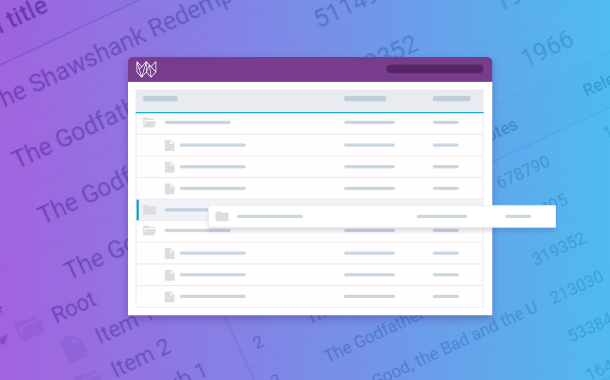
Widget allows performing drag-and-drop operations not only within List itself, but also between List and Datatable, Treetable, Datatree, Dataview and even between two JavaScript Lists.