-
Widgets
Other complex widgets


Window and Popup
Widgets
for Interactive Interfaces
Emphasize important information to end users and guide them
effectively with JavaScript window and popup widgets.
effectively with JavaScript window and popup widgets.
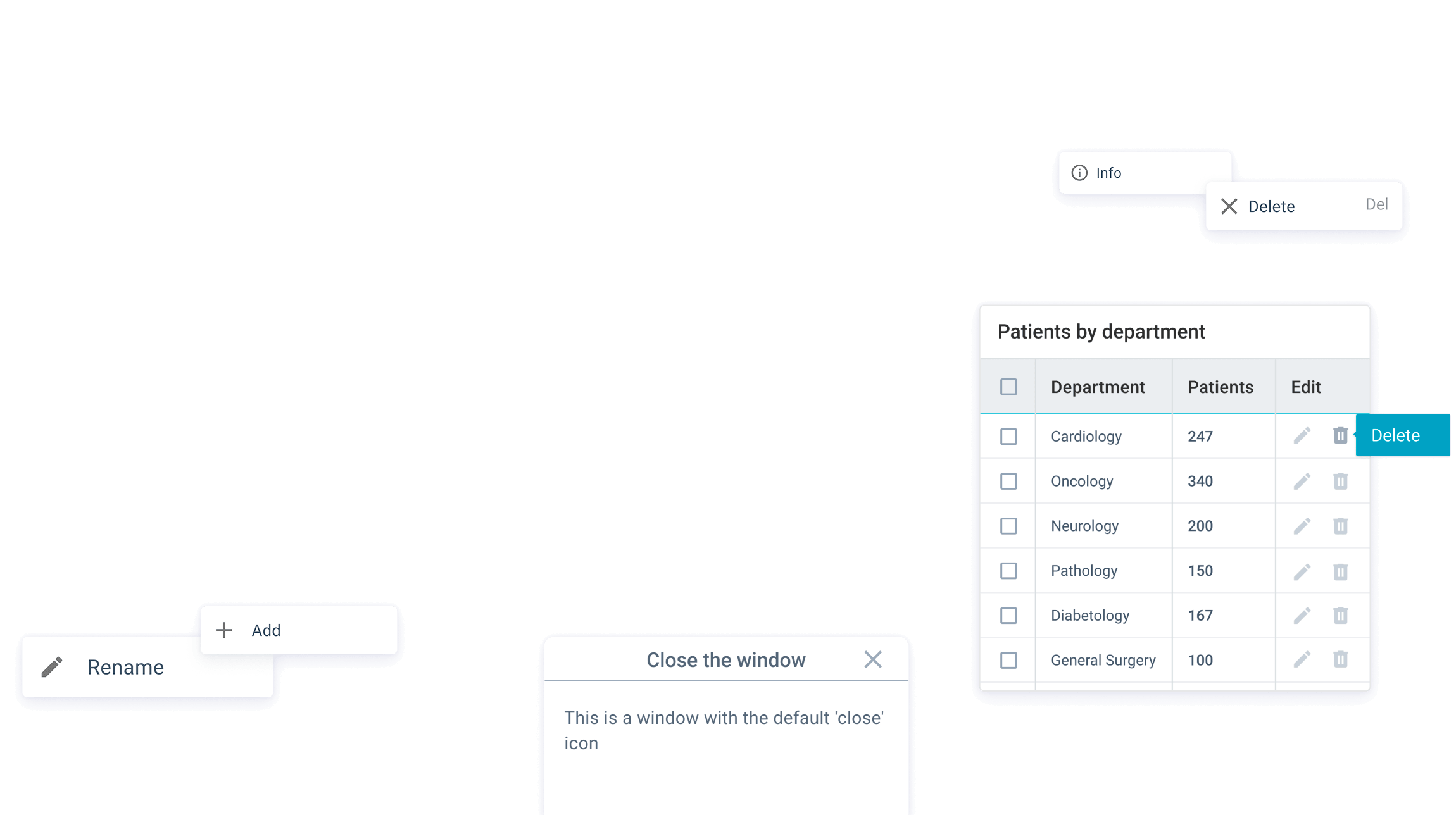

Window & Popup Widgets for User Interaction
Webix provides a set of JavaScript window and popup widgets designed to display contextual information, highlight important
content, and guide user attention within web applications.
 Contextual and Modal Popups
 Inline Hints and Micro-Interactions
 Desktop-Style Windows
Webix Core Window and Popup Widgets
Webix window and popup widgets help present important information and guide users in dashboards, admin panels, and complex web applications.


Other Widgets Categories


Frequently Asked Questions
What are JavaScript window and popup widgets?
JavaScript window and popup widgets are UI components used to display dialogs, alerts, tooltips, and contextual menus in web applications, helping to highlight important information and guide users.
Can these widgets be customized?
Yes, like all other Webix components, window and popup widgets support size, position, content, styling, icons, and dynamic behavior, allowing you to tailor them to any UI or workflow.
Are window and popup widgets responsive?
All Webix window and popup widgets are fully responsive, working on different screen sizes and devices, including desktops, tablets, and mobile browsers.
How can these widgets improve UX?
They allow you to improve overall user engagement and comprehension by presenting messages, guiding users through processes, and providing contextual or critical information without disrupting the main workflow.